

When Outlook is working or your profile is connected to the Exchange Server, then you can simply convert your OST file to PST – using Outlook Import/Export wizard or the PowerShell commands. But what to do if your Outlook is not working or you’ve lost access to the mailbox on the Exchange Server? Then there is no need to be concerned as there are still ways to convert the OST file for free. In this guide, you will learn how to convert your OST file to PST without Outlook or Exchange Server by using an online converter tool.
Why you should use an Online OST to PST Converter Tool?
While Microsoft Outlook provides a built-in option – Import and Export wizard – to convert the OST file to PST, this feature only works when Outlook is working and connected to the Exchange Server. If the profile is inaccessible or Outlook is not available, this option will not work.
In such cases, an Online OST to PST converter tool is one of the feasible and effective options as these tools are specifically designed to convert OST files into PST format without the need for Outlook or any other software. When selecting an online tool, consider the following:
- The tool must show the real-time progress of the conversion process
- The tool has a simple and user-friendly interface
- It ensures data integrity and accuracy after the file conversion
- There is an option to preview the converted data before saving
- It ensures complete data privacy and security
Which Online Tool is Best for OST to PST Conversion?
There are a few online tools that can be used to convert the OST files to PST but one of the best tools in this category is Stellar Converter for OST Online. It is an online tool that converts unreachable or inaccessible OST files to PST. It has a simple user interface that enables you to convert OST to PST with just a few clicks. Additionally, you can view the live progress of the conversion process. The tool ensures complete data privacy and security as the uploaded OST file and the converted PST file are automatically deleted from the company’s server within 24 hours. It can efficiently convert OST files of up to 500 MB for free.
Now, let’s see how to convert an OST file to PST format using the Stellar Converter for OST Online tool for free:
- Open a window in your web browser (Chrome, Firefox, etc.) and enter this URL: https://converter.stellarinfo.com/
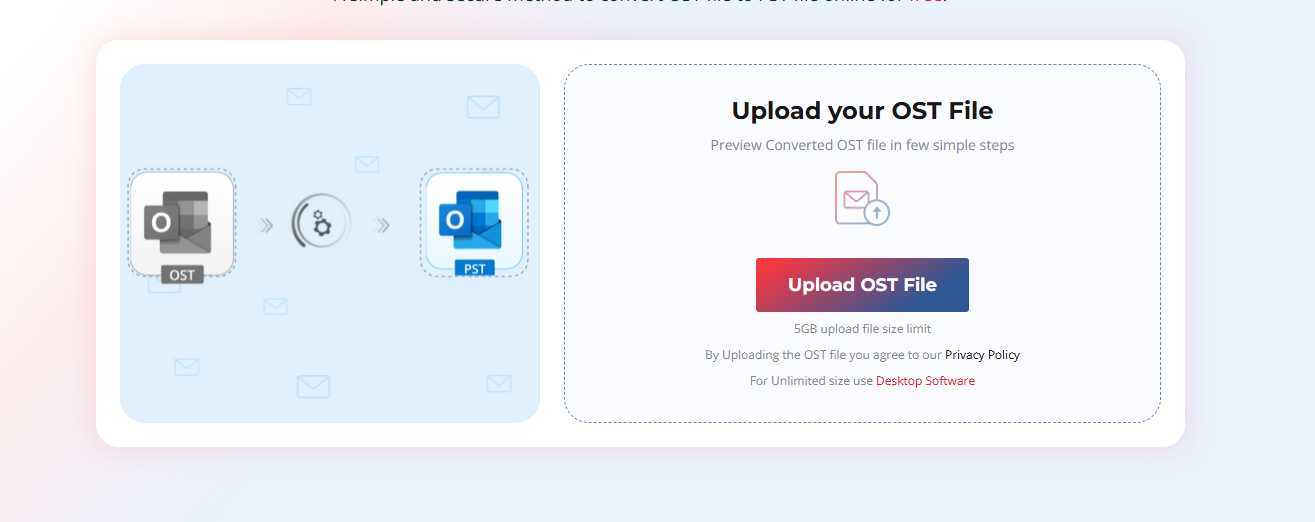
- Sign in and click on Upload OST File to upload the OST file you need to convert.
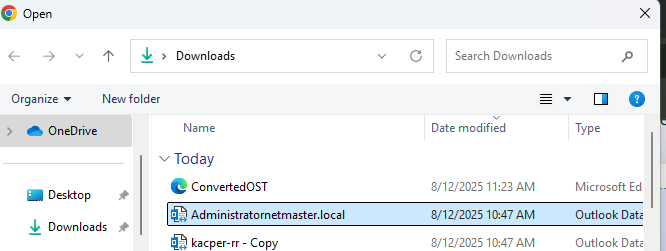
- Locate and select the OST file. Then, click on Open. Wait for the file to upload.
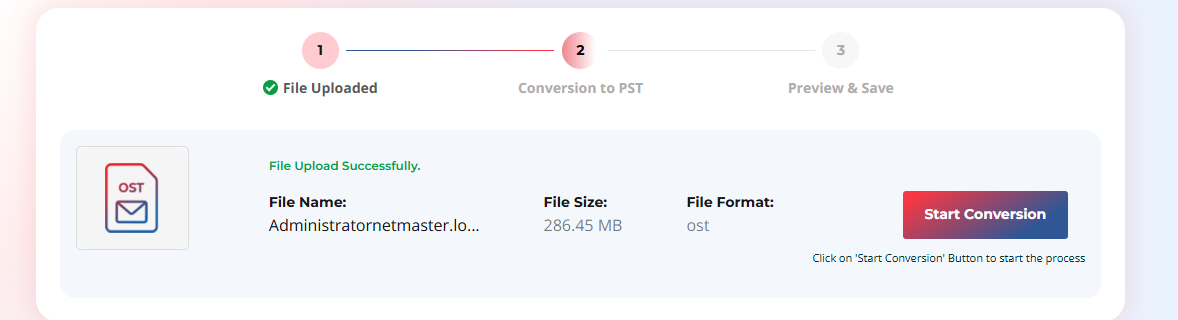
- Once the uploading is complete, click Start Conversion. You can see the progress of conversion on the screen.
- It may take a few minutes to complete the conversion process. Once the process is complete, you will see two options – Preview and Save PST File. Click on Preview if you want to view the converted file before saving. Else, click Save PST File to download the converted PST file.
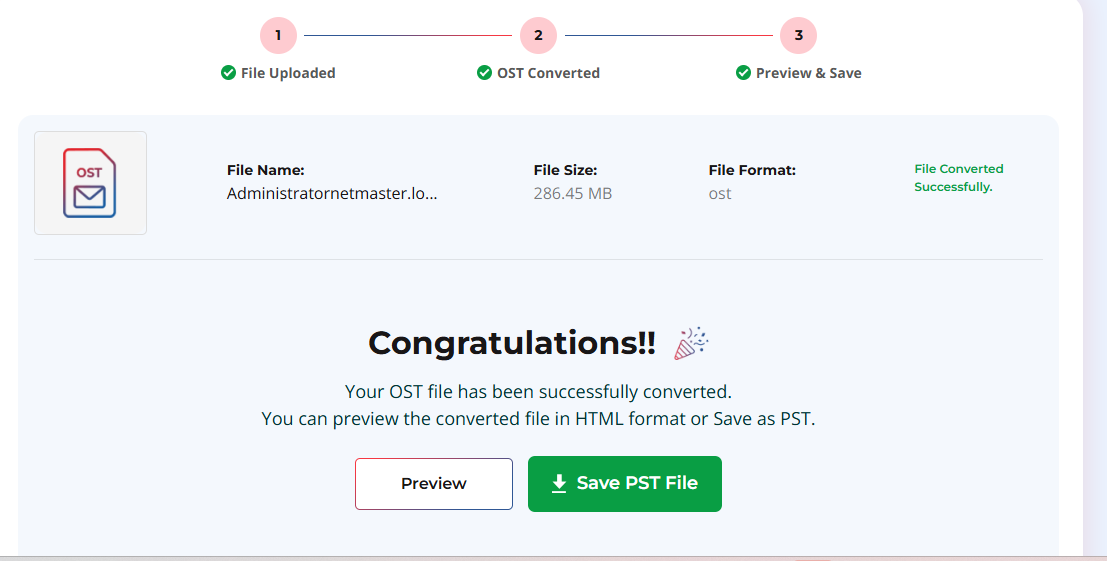
Note: This tool can convert an OST file of up to 500 MB for absolutely free. To convert bigger OST files, you can opt for the premium version of this tool.
When you click in Save as PST option, the converted file is downloaded in the default download folder on your system. Once converted PST is downloaded, you can import the file into any Outlook account by using the Outlook’s Import/Export feature to access your OST file items.
To Conclude
When your Outlook application is not working or the OST file becomes inaccessible/orphaned, then it is not possible to convert your OST file by using the Import and Export wizard. In such situations, the only way is to take the help of a specialized OST to PST converter tool. One such tool is Stellar Converter for OST, which is available in both online desktop-version. The online provide a quick and secure way to convert OST file (of up to 500 MB) to PST for free. However, if you’ve a large file, then you can opt for its premium version or desktop-version. The desktop version of Stellar Converter for OST can convert multiple orphaned or inaccessible OST files, without any file size limitations.

