

Open your social feeds right now and you’ll see it: short clips that look more polished than many TV ads did a few years ago. Voices match mouths almost perfectly, characters speak multiple languages without re-shoots, and people casually “step into” memes using their own faces.
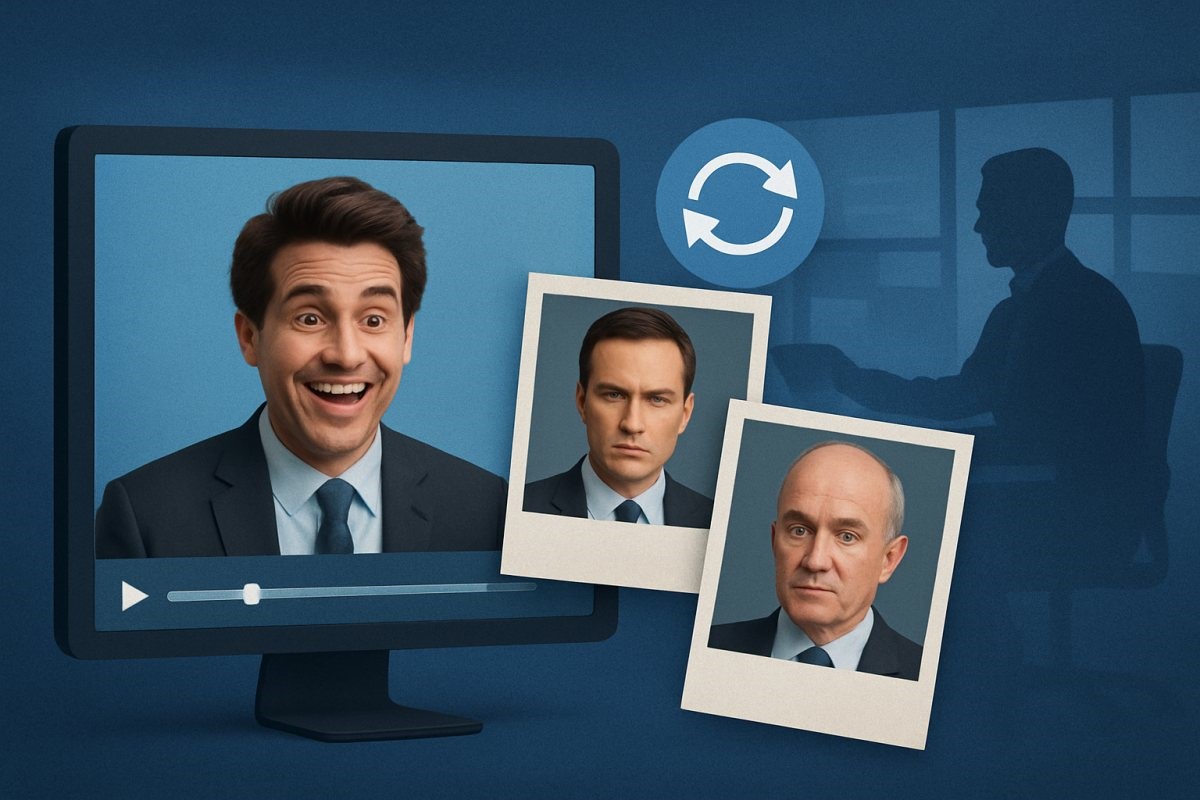
Not long ago, this kind of edit meant hiring motion designers or spending long nights inside complex software. In 2025 it feels closer to a normal browser task: upload, pick a style, tweak a few sliders, export.
This isn’t just a toy for creators. For small brands, solo marketers, trainers, and internal comms teams, lip-sync and face-swap tools are quietly changing how video gets made and re-used.
Why Lip-Sync and Face Swaps Matter Right Now
Most of the headlines talk about huge text-to-video models that can invent entire scenes from a sentence. Impressive, yes, but that’s not what most people need week to week.
Real projects tend to look more like this:
- You already have footage, you just need it in another language.
- You shot a talking-head video, but the lip movement is slightly off.
- You want to try a different “host” or character without starting the whole shoot again.
Lip-sync and face-swap tools sit in this practical layer. They don’t replace the original shoot; they let you squeeze more value out of it.
What Modern Lip-Sync Tools Actually Do
Modern lip-sync services do more than simply open and close the mouth on beat:
- Track the face frame by frame, following jaw, lips, teeth, and sometimes even neck movement.
- Analyse the audio to detect phonemes and timing.
- Rebuild the mouth area for each frame so the lip shape lines up with every sound while keeping lighting and expression intact.
Once you compare old “flappy mouth” effects with current tools, the jump is obvious. Side angles, fast speech and expressive talking are all handled far better than they were a couple of years ago.
If you want to test the idea without spending anything, you can start with a browser-based service that lets you try lip sync AI online free on short clips and scratch audio before you touch your core campaigns.
Face Swap Video: From Internet Jokes to Everyday Production Work
Face swapping has been a joke format for years, but higher-quality models have pushed it into more serious work:
- Localization and personalization – switching to a regional host or spokesperson without re-shooting every scene.
- Internal training – filming a trainer once and dropping them into multiple scenarios.
- Creative tests – trying out different characters or “what if” stories without new casting, costumes or locations.
Of course the same trick can be abused for fake clips or unwanted impersonations, so consent and context matter a lot more than they did when it was just a silly filter.
For early experiments it helps to keep things structured. A typical setup is an AI face swap video workflow: upload your base clip, add a few approved reference photos, generate a test cut, and show it to everyone involved before you publish anything.
Where These Tools Fit in a Real Workflow
So where do lip-sync and face swaps actually sit in a normal week of content production? One way to think about it is by use case:
| Use Case | What You Gain | What to Watch Out For |
| Dubbing YouTube / TikTok clips | Multi-language reach without re-shoots | Lip-sync accuracy and accent realism |
| UGC-style ads | Faster iteration on scripts and hooks | Over-polished look can hurt the “authentic” vibe |
| Course & training content | Reuse of modules across regions and teams | Clear disclosure that voice/video has been adapted |
| Internal company updates | Leaders appear regularly without constant filming | Keep raw originals in case policies change |
| Just-for-fun memes & tests | Low-cost experimentation and learning the tools | Always get consent; avoid impersonating strangers |
For many teams this ends up being the “mid layer” of their stack: above basic trimming and subtitles, below full CGI or studio shoots.
Practical Tips for Creators and Teams
You don’t need to be a full-time editor to get decent results, but a few habits help a lot:
- Start with clean audio
Lip-sync quality is tied directly to sound quality. Record in a quiet room, use a simple external mic if you can, and keep background music on a separate track. - Give the camera a steady shot
Huge head turns, motion blur and wild lighting shifts make every model work harder. A stable, well-lit talking-head frame is still the easiest base. - Batch your tests
Instead of tweaking one video for hours, render 3–4 variants: different languages, tones or pacing. Compare them side by side and keep what actually feels watchable. - Stay close to your real performance
The further you push away from the original delivery, the more likely you are to land in uncanny territory. Let the tool polish or translate you; don’t ask it to completely reinvent you. - Always watch the final cut on a phone
Most viewers will see your work on a small screen. Some glitches only show up once the clip is compressed and squeezed into a vertical feed.
Ethics, Consent, and the Deepfake Question
As soon as you can put one person’s face or voice on another body, basic ground rules become important.
If someone hasn’t agreed to appear in your video, don’t drop them into it—friend, colleague, influencer or public figure. Even if something feels harmless to you, they may not see it that way, and in many regions it also raises legal issues.
For commercial work, a short line in the description such as “dubbed and adapted” is usually enough to keep things honest. Viewers tend to care more about being tricked than about the fact that technology was used.
Most large platforms now have separate sections describing how they treat synthetic or manipulated media. It’s worth glancing at those pages for YouTube, TikTok, Instagram and any other place you upload, so you understand what might trigger a label or a takedown.
Remember too that once a clip is public, you lose control over who downloads it or chops it up. If there’s a version of the video you’d be uncomfortable seeing out of context, it’s better not to publish that version at all.
Used with sensible boundaries—clear consent, clear purpose, and reasonable disclosure—lip-sync and face-swap tools sit in the same bucket as stock footage or music libraries. They can cause problems, but most of those problems start with how people choose to use them.
How Businesses Can Approach This Safely
For companies, success usually comes from treating these tools as part of a process rather than a one-off experiment:
- Write a short internal guideline covering who can use synthetic media tools and what approvals they need.
- Centralize reference material (photos, logos, tone-of-voice notes) so every new edit still looks and sounds like your brand.
- Run small pilots—for example, turning a single English product video into Spanish and French—and measure watch time, completion rate and conversions.
- Document the workflow so you’re not locked into a single vendor or one person’s laptop setup.
Handled this way, lip-sync and face-swap tools become another normal part of your stack, alongside the CMS and email platform.
The Bigger Picture: Video Is Becoming Easier to Rewrite
The real shift isn’t any single feature, it’s how video itself is changing. Bit by bit, it’s becoming easier to rewrite, translate and remix after the shoot:
- You can adjust the script without getting everyone back in the studio.
- You can duplicate content across languages without building new sets.
- You can test different hosts or visual styles with the same raw footage.
Lip-sync and face-swap tools are right in the middle of that change. They don’t replace cameras or crews, but they give you a lot more freedom to improve what you already have.
If you’ve been putting off video because it seemed expensive or intimidating, this is a good time to experiment. Take one or two short clips, run them through a couple of tools in an evening, and see how much more “finished” they feel.
The bar for decent-looking video is higher than it used to be, but the entry cost is much lower. With the right workflow, you can get results that feel current for 2025 without needing a studio, a huge budget, or a full-time editor.

