

Spotify makes it easy to discover new artists, create playlists, and enjoy music across different devices. However, if you want to listen to your favorite tracks outside the Spotify app, you may find that downloading songs is not as straightforward as saving ordinary audio files. Spotify’s built-in download feature is designed for offline playback within the app, rather than exporting tracks as independent MP3 files.
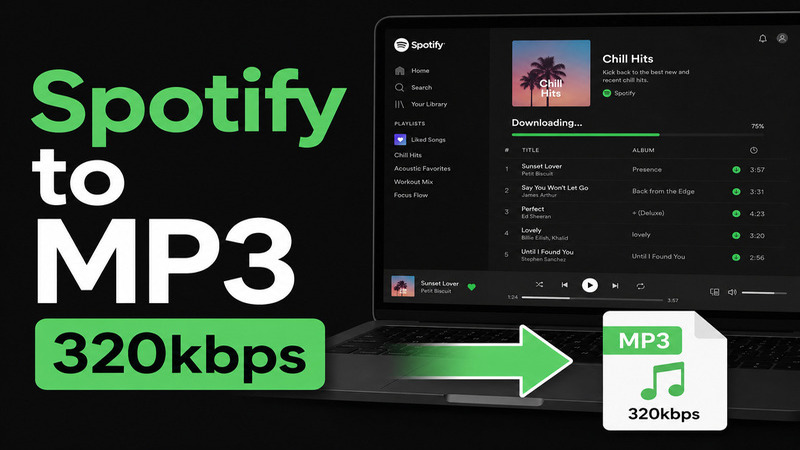
Fortunately, there are several ways to approach this problem, depending on how you plan to listen to your music. This guide explains the available options and shows how a dedicated Spotify music converter can help you build a more flexible music library.
Why Download Spotify Music to MP3?
MP3 remains one of the most widely supported audio formats. Unlike downloads tied to a particular streaming app, ordinary MP3 files can be played with many desktop media players, portable music players, and compatible car audio systems.
Having music in a common format can also make it easier to organize personal playlists, back up audio files, and transfer compatible tracks between devices. For frequent listeners who prefer managing their own music collections, this flexibility can be especially useful.
It is important to distinguish Spotify’s official offline downloads from standalone audio files. A Spotify Premium subscription allows offline listening through the Spotify app, but it does not provide a built-in option to export downloaded songs as MP3 files.
Method 1: Use Spotify’s Built-in Offline Feature
The simplest option is to use Spotify’s official download function. With an eligible Premium subscription, you can download albums, playlists, and other supported content for offline playback.
Open Spotify on your device, find the playlist or album you want, and select the download option. Once the content has downloaded, you can listen without a continuous internet connection, subject to Spotify’s account and device requirements.
This method is convenient and preserves the normal Spotify listening experience. However, it does not create MP3 files that you can freely move to other music players. If exporting compatible audio files is your main goal, a different approach may be necessary.
Method 2: Convert Spotify Music to MP3 with ViWizard
For users who want more control over their music library, ViWizard Spotify Music Converter is an alternative worth exploring. The desktop software is designed to help users convert Spotify music into common audio formats, including MP3, FLAC, WAV, AAC, M4A, and M4B.
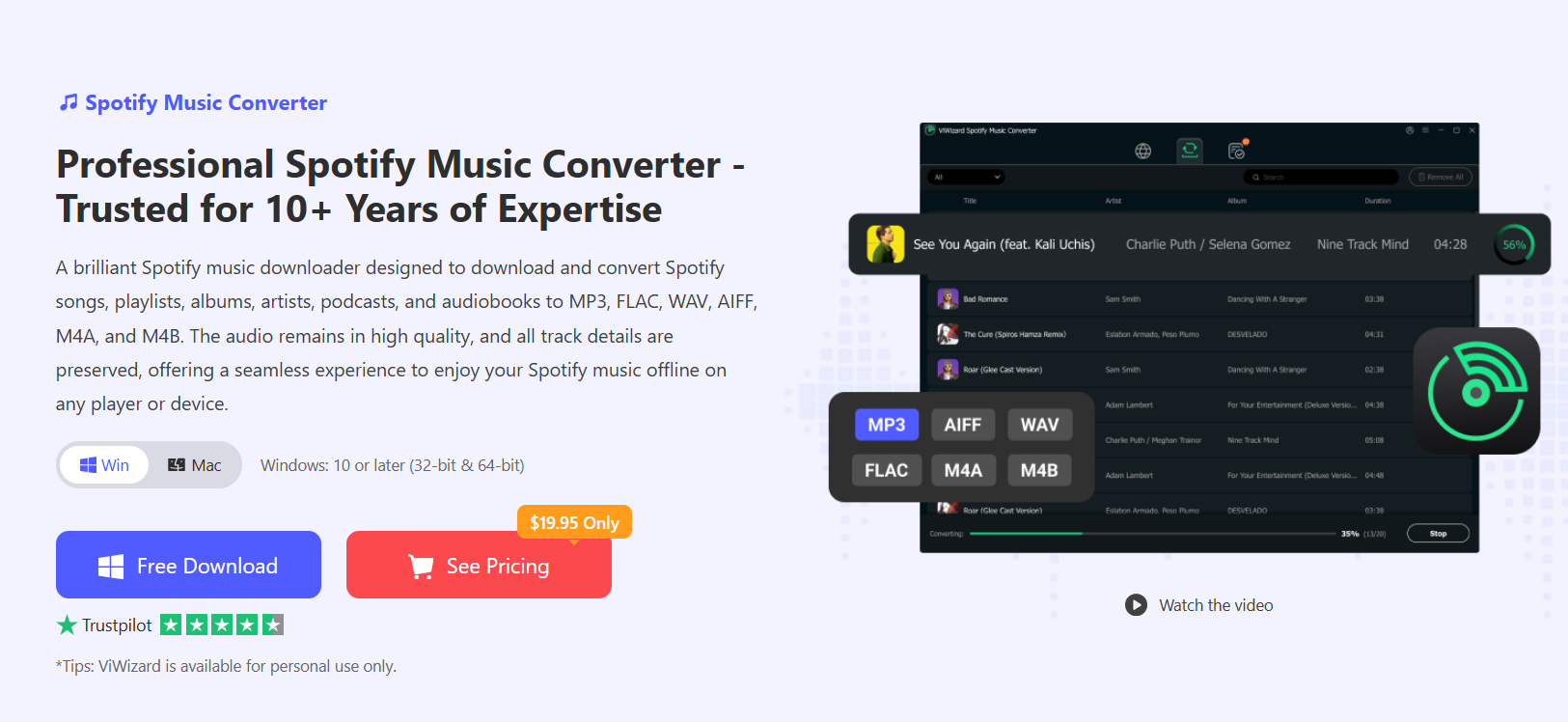
You can learn more about its features and supported formats on the ViWizard Spotify Music Converter product page.
The software supports batch conversion, making it possible to process multiple tracks in a single workflow rather than handling every song individually. It also offers audio quality settings and ID3 tag preservation, which can help keep information such as track titles, artists, and album details organized after conversion.
Here is how the general process works:
Step 1: Install the software. Download ViWizard Spotify Music Converter from its official website and install the version compatible with your Windows or macOS computer.
Step 2: Add your Spotify music. Open the program and use its Spotify music interface to locate the tracks, albums, or playlists you want to process. Follow the software’s instructions to add your selected content to the conversion list.
Step 3: Choose MP3 as the output format. Open the output settings and select MP3. Depending on your needs, you can also adjust available audio quality settings and choose where the converted files will be saved.
Step 4: Start the conversion. Review your selection and begin processing. When the conversion finishes, check the destination folder to locate your output files and verify their metadata.
Step 5: Organize your music library. You can then use compatible media software to organize your files or transfer them to supported devices for playback.
For additional instructions and troubleshooting tips, visit this guide on how to convert Spotify to MP3.
What Should You Consider Before Choosing a Method?
Your best option depends on your priorities. Spotify’s official downloads are suitable if you mainly want convenient offline listening within the app. A desktop converter may be more appropriate if you need common audio formats, batch processing, or a more organized local music collection.
Before using any third-party software, download it from the developer’s official website and review its compatibility requirements. Also, keep in mind that conversion results and available features may depend on the software version and source content.
Final Thoughts
Downloading Spotify music to MP3 involves choosing between app-based offline playback and a more flexible local music library. Spotify’s native download feature is convenient for subscribers, while ViWizard Spotify Music Converter offers another option for users who want to work with common audio formats and organize their music on a computer.
By considering your devices, preferred listening experience, and intended use, you can choose the method that best fits your needs while keeping your music collection organized and accessible.

