When it comes to social media posts, intention comes to the fore. That is, there is always a reason for every post. You can share an update to entertain your followers as a creator. Or produce marketing content to drive sales as a business owner. In these cases, making your posts appear professional or casual depends on why you want them out.
Below, we are delving into how to leverage AI for social media posts. Professionalism is not a do-without in current-day online campaigns. Understanding image enhancement is a plus for setting up your pages for greater reach.
What is AI Image Enhancement?
AI Image enhancement refers to the upscaling of image quality by a smart AI algorithm. The artificial intelligence tool intuitively improves photos beyond the default settings. And it also serves as an enabler to fix glitches.
Aside from social media posts, image enhancement comes in handy for pictures. Some budget devices produce less vibrant images, especially when they age. Also, social messaging apps such as WhatsApp and Instagram adjust image resolution during uploads and downloads to save data. AI bridges the gap in these scenarios and improves the overall view.
With AI enhancement, you can adjust the brightness and contrast of images. It sharpens and brightens blurry images while ensuring they remain as true to life as possible, aided by advanced technology. Noise optimisation and clarity are also perks of AI image enhancements – often without the hassles of manual editing.
While most AI image enhancers are free, paid versions extend the features. The cost can, however, vary.
How Can I Make Social Media Posts Look Professional with AI?
Social media posts appear on audience timelines in multiples. One of the things that draws audience attention is the quality of the content. Whether you are on Instagram or Facebook, it is hard to scroll over catchy and relatable content. Simply put, a professional post is naturally an edge.
You can enhance every one of your media posts to look professional, especially if you are sharing marketing content and want to increase engagement. It is also ideal for branding.
Find an AI Image Enhancer
Upscaling your social media posts requires an AI tool built for image enhancement. Ordinarily, you can find multiple tools on the internet, ranging from a video to an audio enhancer. However, specialised AI for image editing offers the real fix if you want to improve the quality of your content.
Tools like Zawa AI and Canva come in handy for image enhancement. With the Zawa AI suite, you can manually tweak your image for a better resolution in HD or Ultra-HD. Plus, the auto-settings save time for professional creators looking to maintain a consistent visual quality across social media posts.
While you can find other tools that cater to your post’s needs, an intuitive AI interface is a plus, particularly if you are new to social media. It lets you make your edits to your satisfaction without hassle.
Upload/Batch Upload and Prioritise Consistent Branding
Upload and edit your image for social media posts with an image enhancer. To save time and stress, image enhancers that support batch uploads are go-to options. This enables consistency in both current and future posts. And it enables you to maintain overall quality.
Zawa AI supports image enhancement and brand archives. With these, you can maintain consistent branding. It is also handy to reuse existing professional content as new social media posts.
Apply Manual AI Enhancement Tweaks
While auto-enhancement is for all-around editing, ensuring every tweak is in place is essential. You can customise the manual settings of your AI tool to match professional-like media posts.
For instance, if you want to enhance a product photograph, upload it in the product mode. A portrait-enabled enhancement is an ideal tweak for social media profile pictures. With the flexibility to upscale pictures to 4K, you can go for ultra-HD for a professional, high-quality post.
Adjust Posts to Standard Layouts
The standard image sizes and resolutions vary across social media pages. From 1:1 to 4:3, these default layouts determine the image overview, including both vertical and horizontal dimensions. It also makes your images appear well in posts, especially in areas tucked with the main information.
With an AI enhancer, you can perform manual customisation after uploading images from your device. AI tools sharpen and enhance the image in the original layout for a professional look. Also, you can adjust and increase the edges to fit the social media default resolution while maintaining high quality.
A well-fitted image across all rounds, when posted, makes your post look professional.
What are the Best AI Image Enhancers for Social Media Posts?
One of the techniques to boost your social media pages’ traction is professional content. This includes the texts and inserted images.
Below are the three top image enhancement tools to try out.
Zawa
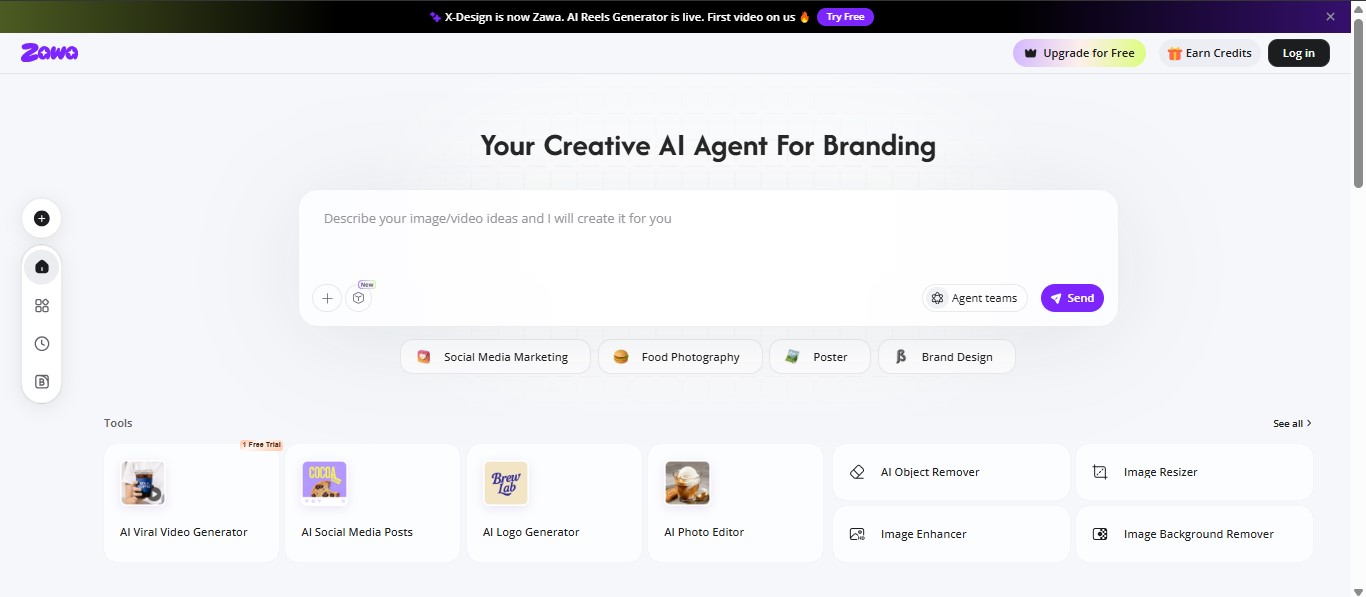
Zawa, formerly known as X-Design, is one of the best AI workspaces to leverage for social media posts. The editing suite offers multiple tools and assets, including an AI image enhancer for professional-grade results. You can easily bring photos to life with the intuitive interface. And as a small business owner, you can build traction with quality images.
The Zawa AI image enhancer offers pro-quality images on phones. That is, users can turn basic photos into clean, professional-looking shots to share with audiences. Even better, it fits all social media platforms. In a few seconds, you can restore details and fix blurriness, with the flexibility to choose HD or ultra HD resolution.
Canva
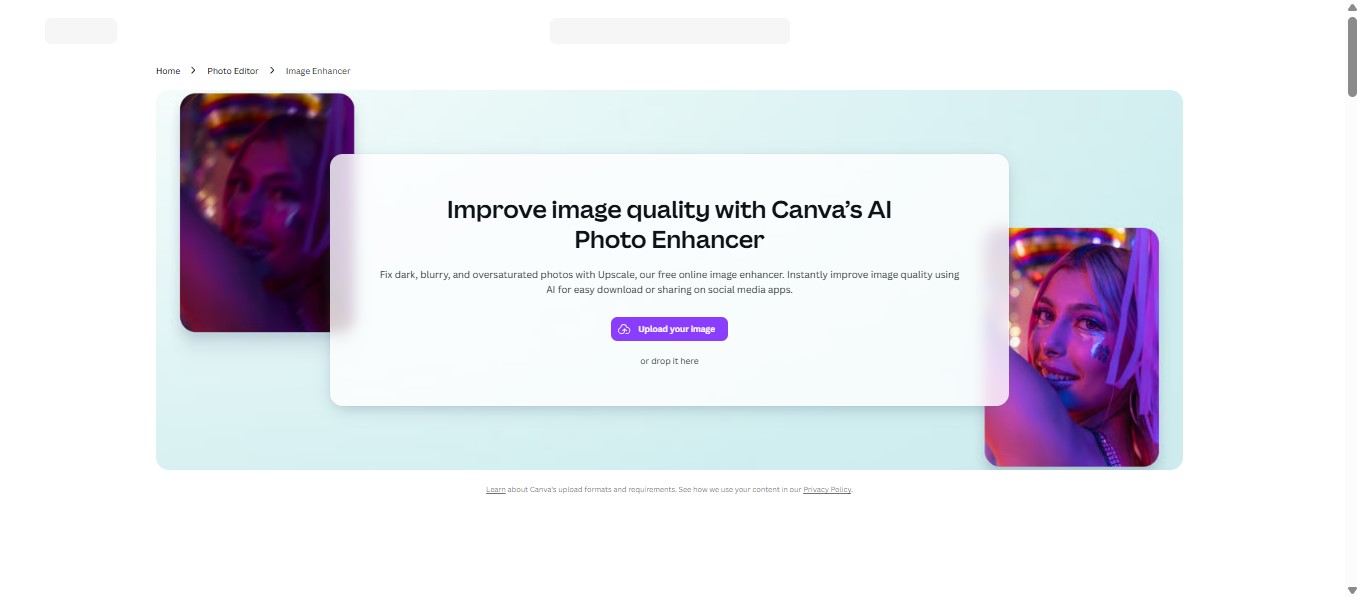
Need photo editing tools that can drive traffic to your socials? Canva is a go-to option for creating scroll-stopping content. The design tool offers manual and AI-enabled tweaks for authentic social media posts. Aside from planning and tracking content all in one place, the Canva image enhancer is a plus. No design experience is needed with the easy-to-use editor.
The free online image enhancer instantly improves image quality with AI. This enables easy download and sharing on social media apps. From product images to Instagram posts, you can enhance the quality for clearer pictures. With the auto-adjust feature, Canva AI beautifies images with filters and effects usable for striking Facebook posts and YouTube thumbnails.
Adobe Express
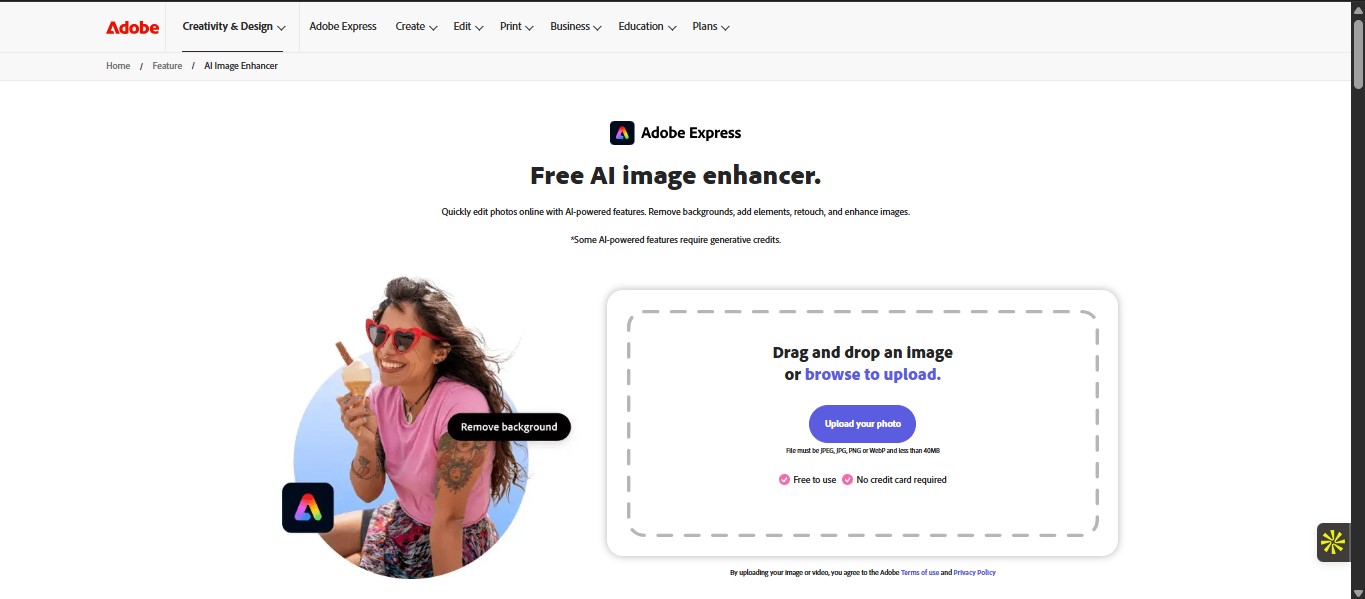
Adobe Express is a multi-design tool. However, their AI technology is a plus for image enhancement. The Image Enhancer offers quick photo editing online with AI-powered features. You can easily retouch and download the newly enhanced photos to share with friends and followers on social media.
Adobe’s smart tool automatically detects the image’s subject and allows users to create profile pictures and product photos. Away from the AI’s creative capabilities, you can make manual adjustments to give your pictures a unique style. These include cropping and resizing for the perfect composition.