

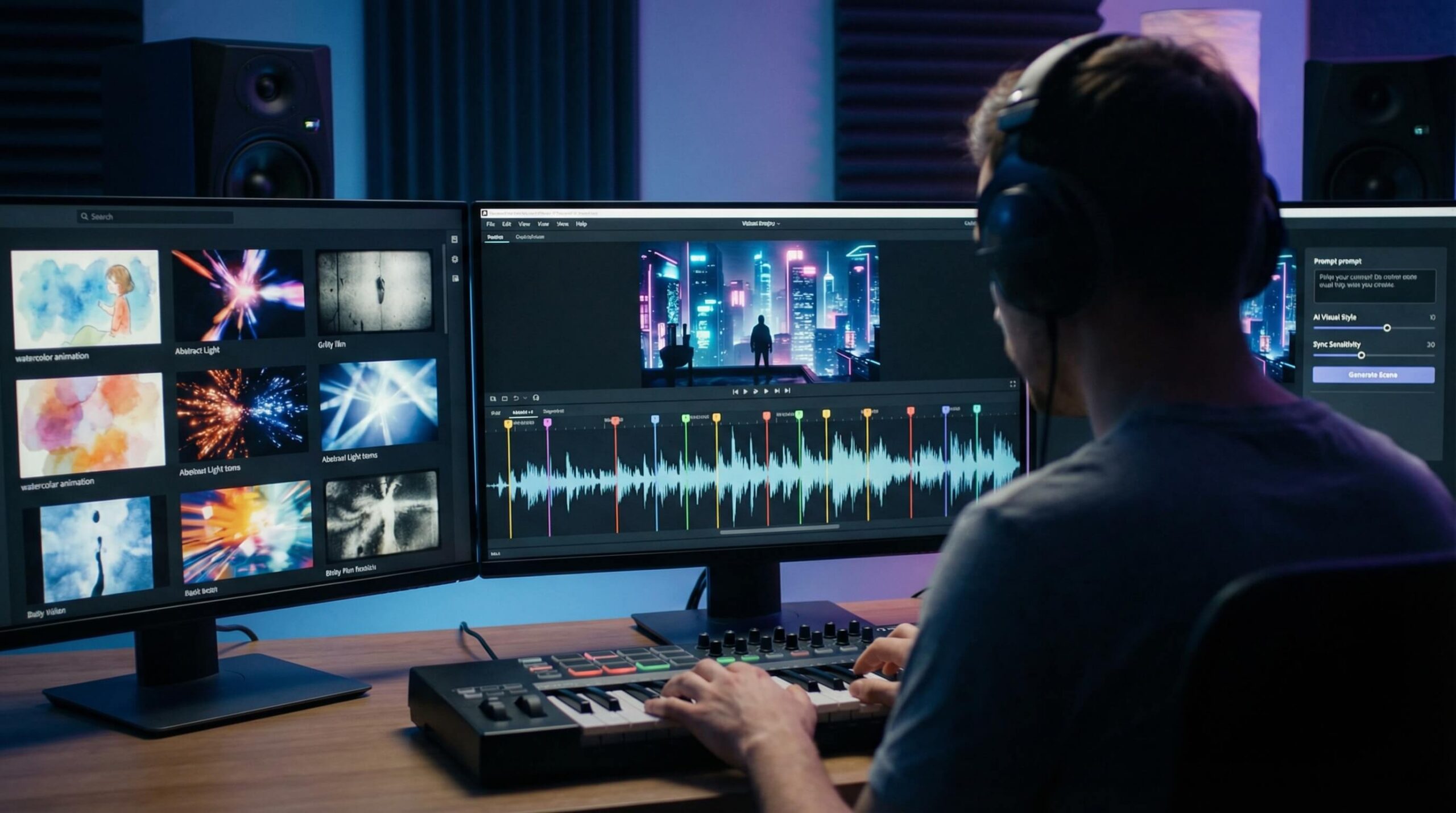
AI music video generators help musicians and creators turn songs into visual content without filming every scene or editing an entire video manually. Some tools focus on beat synchronization and audio-reactive animation, while others generate virtual performers or complete visual sequences. This article compares six options, outlining their creative features, advantages, limitations, and ideal use cases.
Part 1. Top 6 AI Music Video Generators
1. MagicLight AI
MagicLight AI is suited to creators who want music videos built around original stories, recognizable characters, and connected scenes. Rather than focusing mainly on automatic beat synchronization, it provides a broader workflow for developing visual narratives that follow a song’s theme, lyrics, or mood. MagicLight Agent helps organize creative concepts and production, while Nano Storyboard supports scene-level planning and refinement. Its character consistency and scene continuity are useful for animated music videos that feature recurring performers or storylines. This approach works well for narrative music clips, fictional worlds, and animated sequences. However, creators who mainly want visuals that react automatically to every beat may prefer a specialized music-first tool.
Best For: Creators developing narrative music videos with consistent characters and connected animated scenes.
2. Freebeat
Freebeat is designed to turn songs into complete AI-generated music videos. Its AI director workflow analyzes a track’s rhythm and structure, then plans visual sequences around beats, drops, and changes in musical energy. Users can choose different formats, including story videos, dance videos, and lyric videos, depending on the type of content they want to create. The platform also supports consistent characters and visual styles, helping creators maintain a more unified look throughout a song. Its automatic shot planning and music synchronization make it useful for artists who want a complete video without manually editing every scene. Creators can also review and refine the generated result before sharing it.
Best For: Musicians who want complete AI music videos with automatic beat and lyric synchronization.
3. Neural Frames
Neural Frames focuses on AI-generated animation and audio-reactive visuals. Its workflow allows creators to upload a music track and use audio-driven controls to influence how visual elements move over time. Modulations can respond to BPM and specific parts of a song, such as the kick, snare, or bassline. Users can also work with a timeline editor to organize prompts, animation settings, and visual changes throughout a project. This gives artists more control over how the visuals respond to their music, making it useful for experimental animation, electronic music visuals, and abstract sequences. However, its detailed controls may require more creative setup than simpler one-click music video generators.
Best For: Visual artists and musicians creating audio-reactive animation and experimental music visuals.
4. One More Shot AI
One More Shot AI is a music video generator built around songs and virtual performers. Its AI director, Uno, helps turn a creative idea into a treatment, select performers and locations, and organize scenes for the final video. The platform supports consistent artist identity, natural lip-sync, beat-matched editing, and full-length music videos, allowing creators to build a visual release around an entire track. Users can also make shot-level adjustments without regenerating the whole project. This makes it useful for independent musicians who want a performance-oriented or story-based music video without filming a traditional production. It is particularly relevant when a recognizable virtual artist is part of the creative concept.
Best For: Independent musicians creating full-length music videos with virtual performers and synchronized lip-sync.
5. Kaiber
Kaiber combines AI visual generation with music-focused video workflows. Its Beat Sync feature can use uploaded audio and images or video clips to create beat-synced variations, while its Canvas supports AI image and video generation. Creators can also use the dedicated editor to sequence, trim, and finish their videos. This combination gives users different ways to work, whether they want to transform existing media into music-driven clips or generate new visual material. Beat Sync is especially useful for promotional clips, lyric videos, and social posts that need to follow a song’s rhythm. However, creators looking for a fully developed narrative may need to spend more time planning and arranging the visuals.
Best For: Creators who want beat-synced edits and stylized AI-generated visuals for music content.
6. Rotor Videos
Rotor Videos is an automated music video maker that turns songs and selected footage into finished visual content. Users upload a music track, choose clips from its stock video library or add their own footage, and select an editing style that matches the music. The platform then renders the video, allowing creators to preview the result before downloading it. Users can also adjust the video for social media by choosing square or vertical formats, applying filters, and adding text overlays. Rotor is useful for musicians who want to create a video quickly without handling a traditional editing timeline. However, it does not currently provide precise manual control for aligning individual clips with specific parts of a song.
Best For: Musicians who want to assemble music videos from their songs and selected footage quickly.
Compare the Best AI Music Video Generators
| Tool | Starting Material | Visual Creation Method | Music Synchronization | Main Application |
| MagicLight AI | Ideas, scripts, and visual references | Story-driven AI scenes and animation | Story and mood-based visual development | Narrative music videos |
| Freebeat | Full music tracks or supported music links | AI-directed video sequences | Beat, BPM, and song-section synchronization | Complete music videos |
| Neural Frames | Audio tracks and prompts | Audio-reactive AI animation | BPM and audio-element modulation | Experimental music visuals |
| One More Shot AI | Songs and artist references | AI performers and generated scenes | Beat-matched editing and lip-sync | Virtual artist videos |
| Kaiber | Music, images, and video clips | AI generation and clip editing | Beat Sync workflow | Beat-synced music clips |
| Rotor Videos | Music tracks and video footage | Automated footage selection and rendering | Automatic music video assembly | Fast music video production |
Part 2. How to Create an AI Music Video
Step 1. Choose Your Music Track
Select the song you want to visualize and decide whether you need a full-length video or a shorter promotional clip. Make sure you have the necessary rights to use the audio.
Step 2. Define the Visual Concept
Decide whether the video should feature animated scenes, virtual performers, abstract effects, or a narrative that follows the song’s theme and lyrics.
Step 3. Upload Audio and References
Add your music track and provide any images, video clips, lyrics, or character references supported by your chosen platform. These materials help guide the visual direction.
Step 4. Generate and Refine the Visuals
Create the initial video, review how the scenes fit the music, and adjust the visuals, timing, or transitions where the platform allows. Check the overall consistency.
Step 5. Edit and Export
Review the final sequence, add captions or other finishing touches if needed, and choose an aspect ratio suitable for YouTube, Instagram, TikTok, or other platforms.
Conclusion
AI music video generators offer different approaches to turning songs into visual content. Freebeat and Kaiber are useful for beat-synced videos, while Neural Frames provides more specialized audio-reactive controls. One More Shot AI focuses on virtual performers and music-driven storytelling, and Rotor Videos offers a faster way to assemble videos from existing footage. For creators who want to build a visual narrative with consistent characters and connected scenes, MagicLight AI provides an alternative to tools centered mainly on rhythm-based editing.
FAQs About AI Music Video Generators
1. Can AI create a full-length music video from a song?
Yes. Some AI tools can turn an entire song into visual scenes, though the maximum video length varies by platform.
2. How do I keep characters consistent throughout an AI music video?
Choose a tool with character reference or memory features. MagicLight AI supports consistent characters across connected scenes.
3. Can I make a music video that follows the lyrics?
Yes. Some tools generate visuals from lyrics or create synchronized lyric videos. You can also use lyrics as prompts to guide the video’s storyline.
4. Can I create an AI music video without editing skills?
Yes. MagicLight AI helps turn story ideas into connected scenes, reducing the need to create and arrange every shot manually.
5. Can I monetize AI-generated music videos on YouTube?
Potentially, yes. Make sure you have the necessary commercial rights to the music, visuals, voices, and other assets used.

