

Start planning a custom retail display with the products that will go on it. Record the dimensions and weight of each packaged item, how many units the display should hold, where the fixture will sit, and how shoppers and staff will reach it. Those details help a supplier turn a reference photo into a display that fits your merchandise and store.
For example, a floor rack can fit the space a retailer has assigned and still leave too little room to lift a long package off its hook. A drawing of the rack on its own may hide that problem. A sketch that includes the merchandise and the direction shoppers approach from can reveal it before you request a quote.
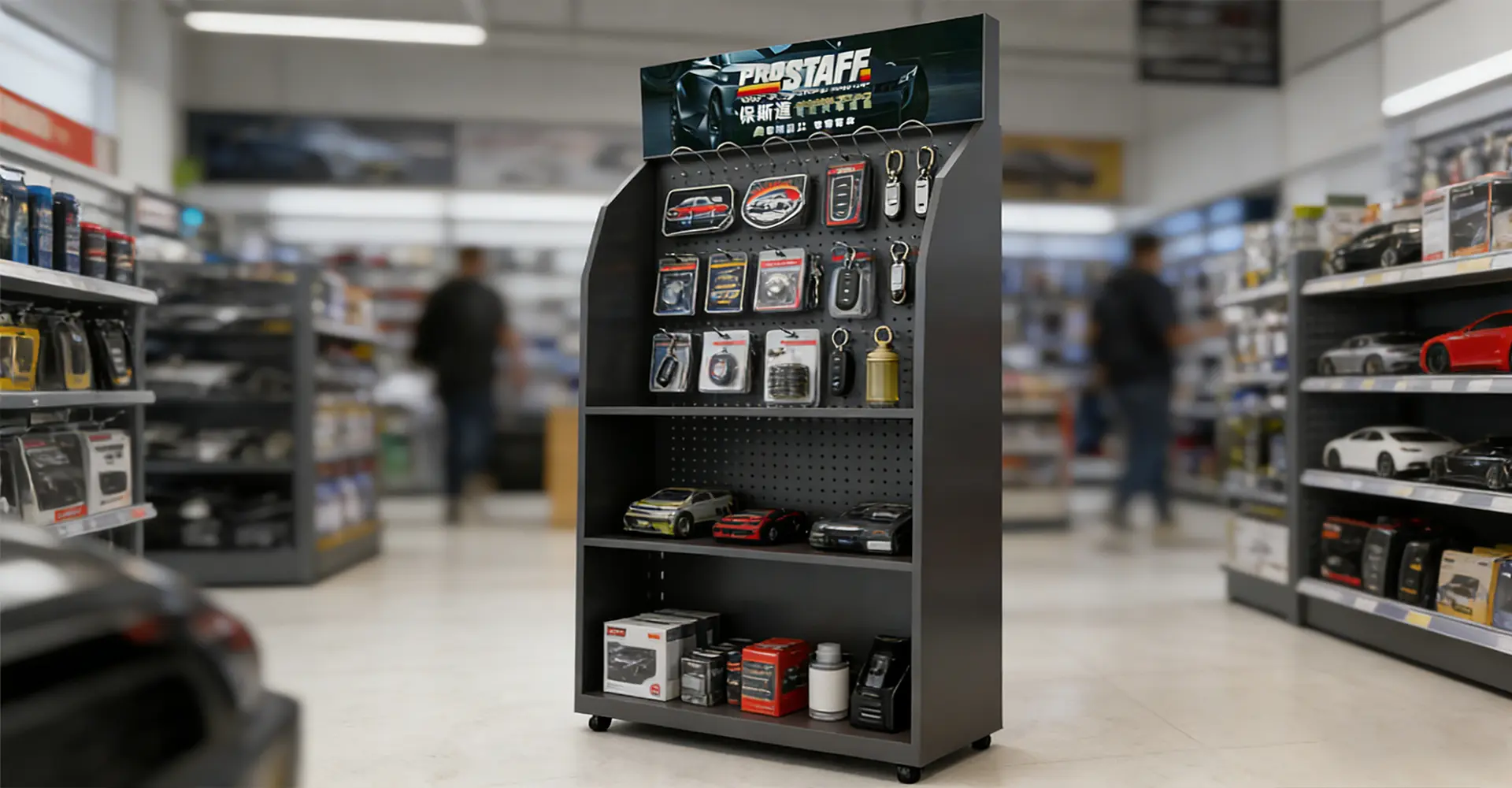
1. Build a Merchandise List
List each product variant, or SKU, that needs space on the fixture. Measure each item as it will be sold, including its box, cap, or hanging tab. Record the packaged weight and whether the product needs to stand upright, lie flat, or hang. Include a front and side photo so the supplier can see the packaging and where the label or hanging hole sits.
Separate the number of SKUs from the number of units you intend to stock. If four bottle variants each need two visible positions side by side, the shelf needs eight facings. Stocking each facing two bottles deep gives you 16 bottles in total. The eight facings determine the width you need. The back row affects shelf depth, load, and how staff replenish the display.
2. Measure the Space Around the Fixture
Share the retailer’s permitted footprint and height, then mark nearby shelves, the checkout queue, or other fixtures on a quick sketch. Note which sides will be accessible. A three-sided rack loses much of its capacity if two faces sit against adjacent fixtures. At a checkout counter, check whether the display crowds the payment terminal or the space staff use to bag purchases.
For a countertop display, use a photo that shows what already occupies the counter. For a freestanding display, check how a long item will come off its hook and whether a refill carton can be brought to the stocking side. For a wall display, ask the store to confirm the available mounting surface and any restrictions before choosing the fixture.
3. Work Through a Fully Stocked Example
Consider an illustrative automotive display with long wiper blade packs hanging at the top and washer fluid on a lower shelf. If the brief calls for six filled jugs at 2 kg each, that shelf needs to accommodate 12 kg of merchandise. Give the supplier the jug dimensions and the proposed layout along with the weight. The calculation describes the proposed stock. The supplier still needs to confirm the shelf capacity and stability of the loaded fixture.
Next, check how a shopper removes the longest wiper pack. Its lower end needs room to swing clear of the shelf or bottles below. If the rack will sit beside a wall and staff will restock it from the front, confirm they can refill the lower shelf while the upper hooks are stocked.
A beauty counter has different priorities. Leave room to pick up a tester and read its label, and make sure the tester is easy to distinguish from sealed stock. For packaged snacks, give staff room to move older stock to the front during restocking. If you are planning for a different product category, browse these retail display examples by industry for layout ideas.
4. Specify What Each Part Needs to Do
Describe the intended use before settling on a material. A stand for a short promotion may prioritize printed graphics, simple assembly, and compact shipping. A fixture expected to stay in stores through several campaigns may need replaceable signs and shelves that can handle regular cleaning and restocking.
Assign a purpose to each component. A metal frame can carry shelves and hooks, clear acrylic can keep products visible, and printed PVC foam board can serve as a shaped header or side panel. Wood-based panels and cardboard offer other options for the finish or campaign format. Ask the supplier to specify the construction and finish of the parts that affect fit, cost, and service life.
5. Decide What to Check on a Sample
Use the actual merchandise when a sample is available. Stock the fixture as planned, remove the longest pack, reach for an item at the back, and refill a shelf from the side staff will use. Check whether the graphics and price labels are still visible with the display full and when stock runs low.
For a rollout across several stores, ask how the fixture arrives and who will assemble it. Include any limits on carton size or setup time in the brief. If the retailer plans to reuse the stands, ask which parts can be replaced and how stores will order them.
6. Turn Your Notes Into a Quote Request
Copy this checklist into the email or form you send to a display supplier.
- Product photos, packaged dimensions, filled weights, and how each SKU should be presented.
- Number of facings and total units to stock on each shelf, tray, or row of hooks.
- Store location, available width, depth, and height, plus a photo or sketch showing access.
- Expected campaign duration, branding files, and any parts that need to be replaceable.
- Number of fixtures, delivery destination, target installation date, and who will assemble them.
Flag any estimates and identify the details you are still waiting for the retailer to confirm. Brands that want help choosing a format can share the brief with GuanYi Display to review display options for their products and store layout.
When comparing quotes, use the same brief for each supplier. Ask them to itemize graphics, sampling, packing, and delivery so you can see which costs are included.

