

Whether a phone payment goes through in Russia depends on what sits behind it. A wallet linked to a foreign Visa or Mastercard will be declined, and the national QR system is built around local bank accounts. Visitors who still want to pay by phone should arrange it before departure. Some compare non-resident services and install the PayInRussia app, one of the options on the market, while others rely on a UnionPay card and carry cash as a backup.
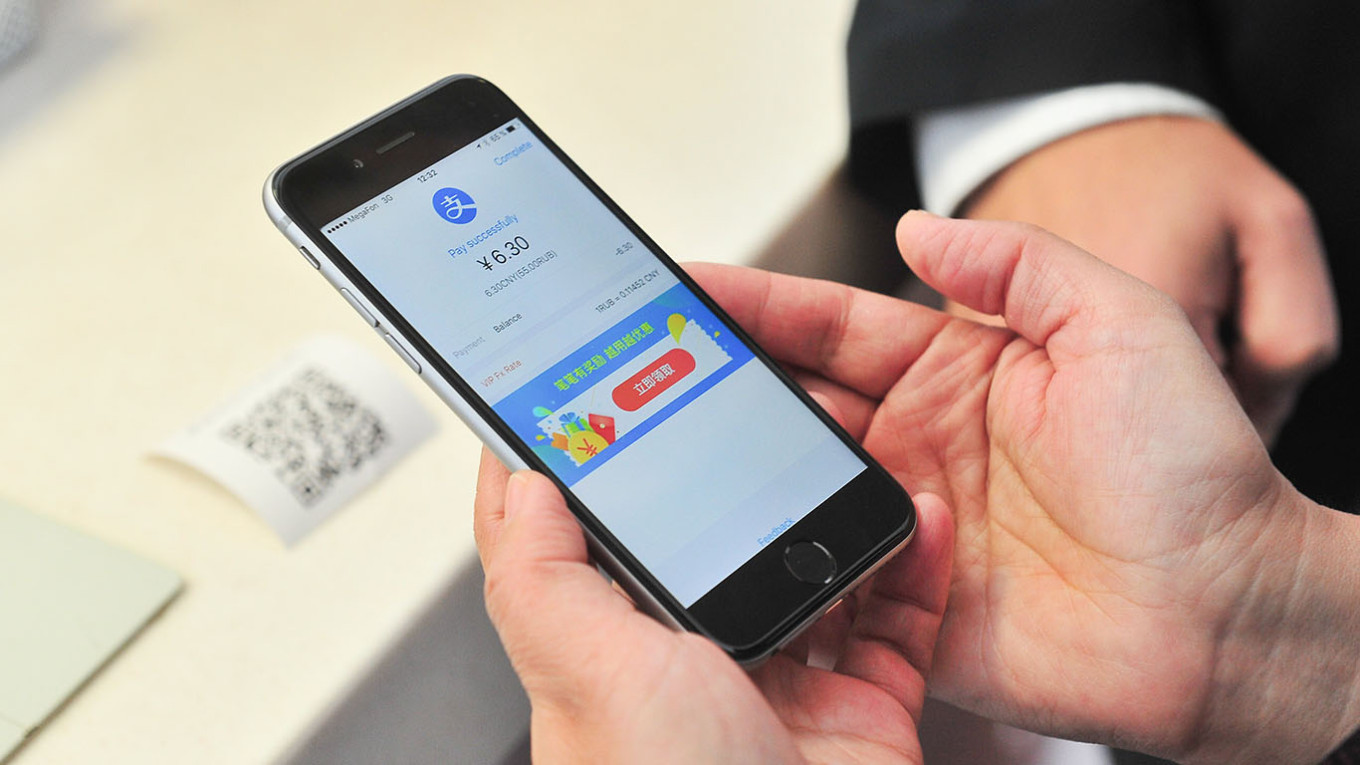
NFC payments: why tapping often fails
Contactless terminals are common in Russian cities, so the hardware is rarely the obstacle. The problem is the card network. Apple Pay and Google Pay are not blocked as such, but they need a card on a network that functions locally.
In practice, that leaves UnionPay, and only when the issuer supports adding the card to a phone wallet. Many do not. Russia’s own wallet, Mir Pay, runs on Android phones with NFC and has no official iPhone version. It also requires a Mir card, which is tied to a Russian bank account.
QR code payments in Russia
Some shops and cafes display QR codes for the Faster Payments System, known by its Russian initials SBP. A customer scans the code in a banking app and confirms the amount, with no card involved. For a tourist, the catch is the access requirement: SBP needs a Russian bank account and phone number.
Officials have been working on a change. In January 2026, the Ministry of Economic Development said it was developing a QR payment tool for foreign tourists with several banks. Check whether it has reached the public before planning around it.
Phone payment options at a glance
| Method | What it requires | Realistic for tourists? |
| Apple Pay or Google Pay with Visa or Mastercard | Foreign card | No |
| Apple Pay or Google Pay with UnionPay | Issuer support for phone wallets | Sometimes |
| Mir Pay | Mir card and an Android phone with NFC | Only with a Russian account |
| SBP QR code | Russian bank account and phone number | Only with a Russian account |
Apps for non-residents sit outside this table because terms differ between providers. Before choosing one, check the fees and limits, how the balance is funded and which types of checkout it supports.
Prepare your phone before you fly
Mobile data can be the weak link. Russia blocks mobile internet on foreign SIM cards for their first 24 hours on a local network, and outages have affected cities including Moscow and St Petersburg. During these, access may be limited to an approved list of services, so an app or banking login may not load at the till.
- Set up and test any payment app while still at home.
- Save offline maps, a translator and booking details in advance.
- Expect no mobile data on a foreign SIM for the first day.
- Use hotel or cafe Wi-Fi when mobile networks are down.
- Carry enough cash in roubles to cover a day without connectivity.
A smartphone can make some payments easier, but it should not be the only plan. Visitors who treat it as one tool alongside cash are far less likely to be caught out at the checkout.

